
Umbrella
Assist Installer
Please follow the instructions below.
Please follow the instructions below.
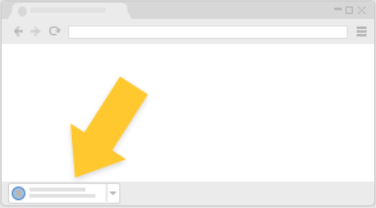
Chrome
It's at the bottom of the window
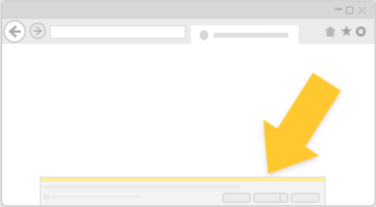
IE/Edge
It's at the bottom of the window
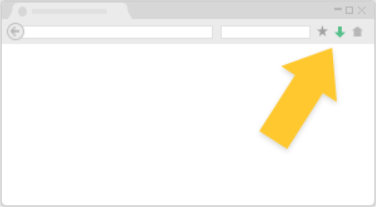
Safari/Firefox
It's from the toolbar
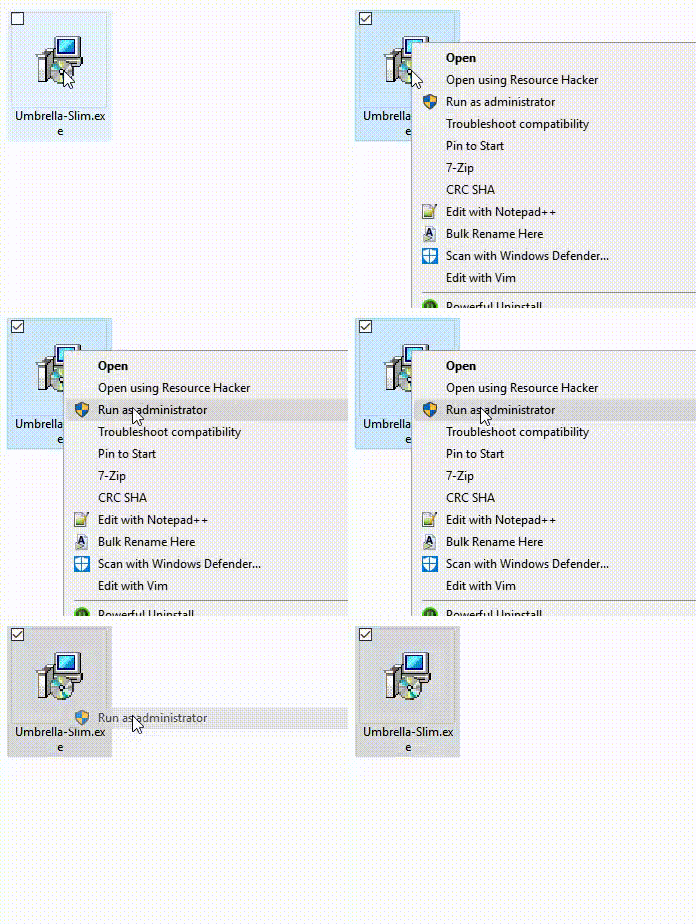
Right click on the file named "Umbrella-Slim.exe" and select "Run as administrator" to install.
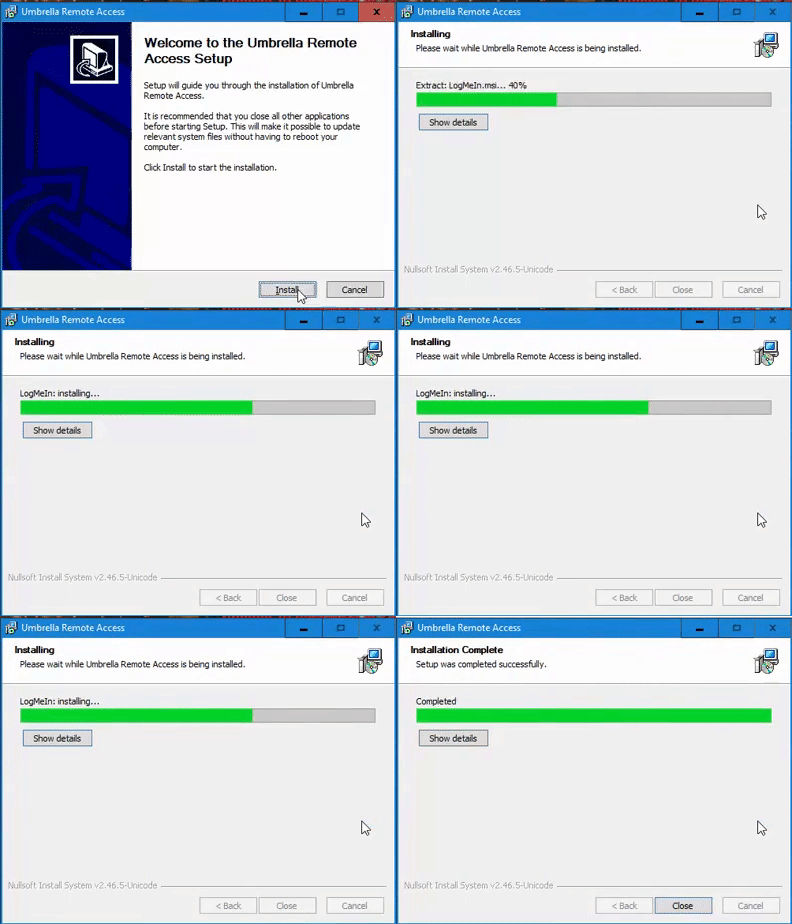
Once the installer has launched, continue with install by clicking "Install".
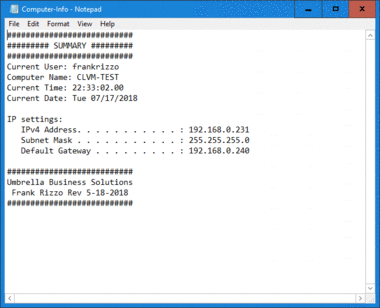
After installation is complete please Email us and include the contents of the text file that opened after installation. The file is also located on your Desktop named "Computer-Info.txt".